

A Third of Local Business Domains Accept Email Sent to Any Address
We verified 144 local business domains and found that 49 accept mail addressed to anything at all. Here is why the absence of a bounce is a silent failure, and how to check your own domain in two minutes.
Digital Funnels Team
Founder-led field note
While verifying contact data for our own outreach, we checked 144 local business domains to establish whether the published address actually receives mail. 81 had a confirmed mailbox. 49 were catch-all. 14 could not be determined either way.
Catch-all is worth understanding, because it converts a customer's typing mistake into a message nobody ever sees.
What catch-all means
A catch-all domain instructs its mail server to accept every message addressed to it, regardless of whether the mailbox exists. Write to info@, to sales@, to a string of random characters — all accepted. Nothing bounces.
Administrators usually enable it for convenience, so that mail to a retired address or a misspelled department still arrives somewhere. The trade-off is rarely considered.
Why the missing bounce is the problem
A bounce is information. When a customer mistypes your address, the bounce tells them within seconds that they got it wrong, and they correct it and try again.
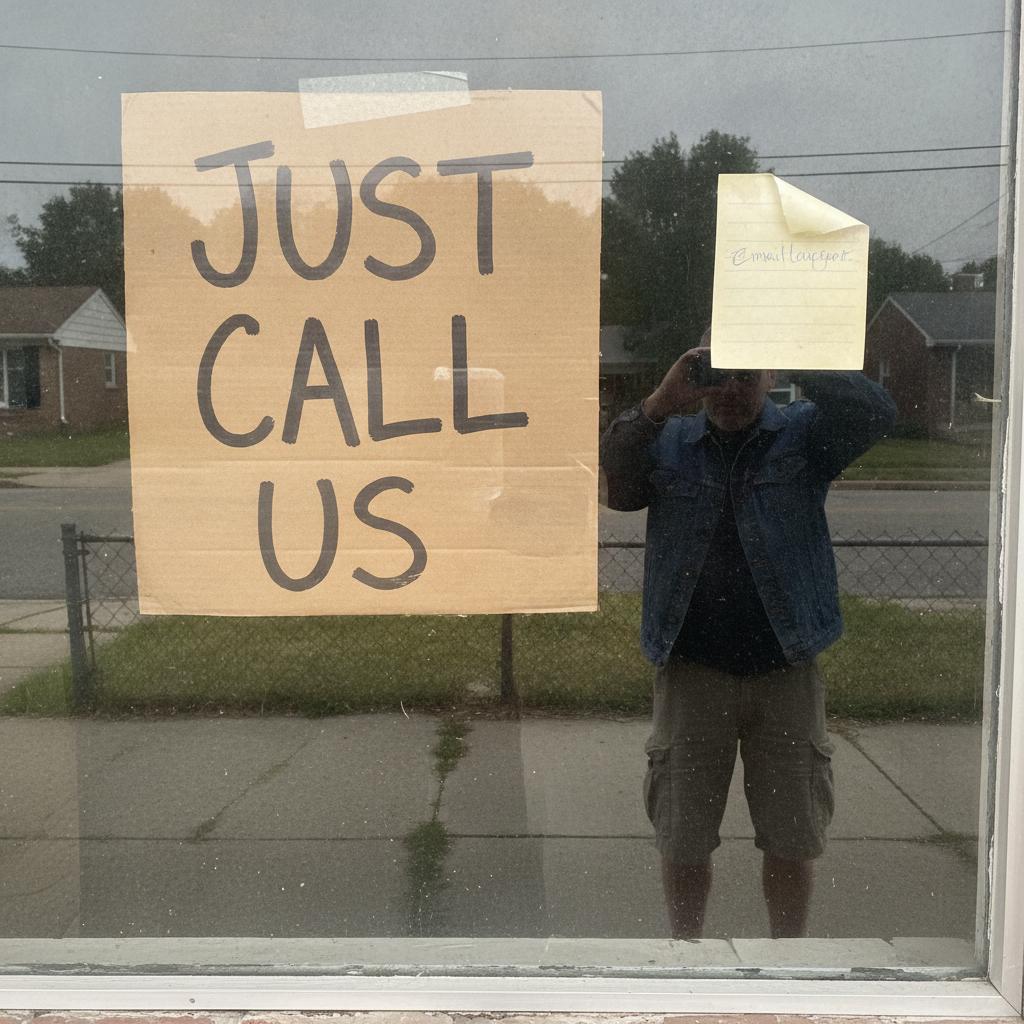
On a catch-all domain there is no bounce. The message is accepted, and in most configurations it is then dropped or delivered to a folder nobody opens. The customer sees no error and assumes the message arrived. You never learn that anyone wrote.
The same silence applies to the supplier with better pricing, the scheduling confirmation, and the property manager asking whether you are available on Thursday.
What else the same dataset showed
- 58% of these businesses publish only a role address — info@, service@, office@ — rather than a named person.
- One in five runs business correspondence through a free consumer mailbox such as gmail, aol or yahoo.
- Of 338 local businesses we looked up, 301 had a working website but only 100 published an email address a stranger could locate without calling.
Taken together, these describe a contact surface that is far more fragile than most owners assume.
How to check your own domain
- Send a message from an external account to an address at your domain that certainly does not exist, such as a random string of characters. If it does not bounce within a few minutes, your domain is catch-all.
- Find out where those messages land. In practice it is one of three places: a real inbox drowning in spam, a folder nobody opens, or nowhere at all.
- Decide deliberately. Catch-all is a legitimate choice for some businesses. If you keep it, route the overflow somewhere a person reviews weekly, and make sure at least one monitored address is published as plain text on your website.
Why we were looking
We ran this check because sending to an address that does not exist damages a sending domain's reputation, and we would rather know before pressing send than after. The finding was incidental, and it is more useful to the businesses on the receiving end than it was to us: if a third of local domains cannot be verified by anyone, a third of local businesses cannot be reliably reached by anyone either.